A range people can navigate.
Clear categories, product details, multilingual labels and a basket where the selected machine supports it. Give bundles and promotions a defined place in the journey.
Smart Retail
A connected point of sale. An advertising surface. A place to help people choose.
Build your machine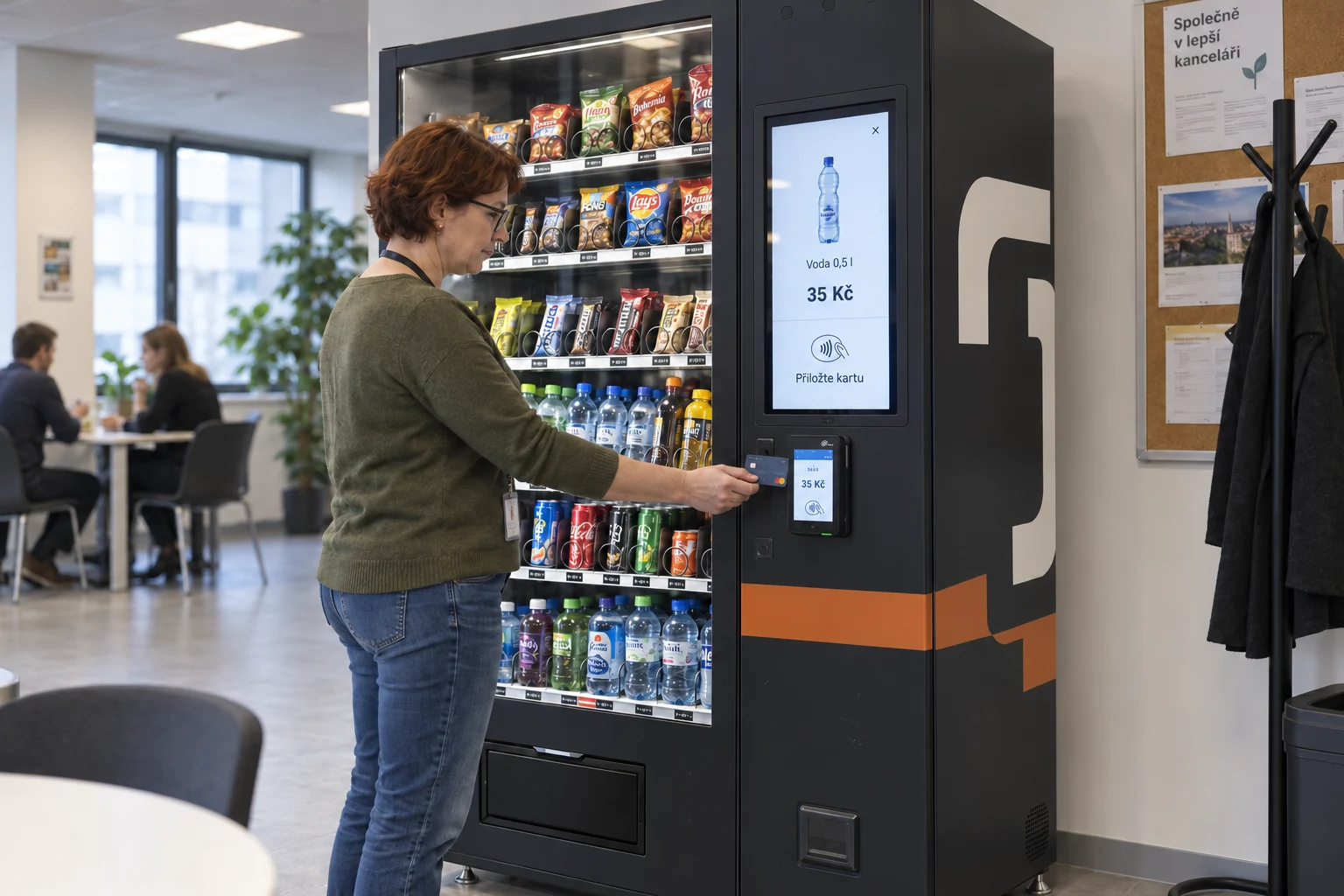
The customer journey
From the first tap to the product in their hands. A familiar purchase flow, designed around your range.
Clear categories, product details, multilingual labels and a basket where the selected machine supports it. Give bundles and promotions a defined place in the journey.
A physical black cashless terminal sits alongside the screen. The payment provider, controller and vend confirmation are tested as one flow.
Tell people when payment is confirmed and where to collect. Define the customer message and resolution route for failed or uncertain dispensing.
THE SOFTWARE TOOLKIT
The tools behind the experience, at a glance. Select the capabilities your project needs.
Fleet console
Machine health, stock signals, temperatures and fault alerts in a shared operational view.
Platform capabilityProduct catalogue
Products, categories, prices, multilingual content and published machine layouts.
Platform capabilityRefill planner
Sales-based refill lists, stock thresholds and packaging-specific shelf mapping.
Platform capabilityCMS & playlist scheduler
Playlists by screen, location and time. Shopping takes priority when a visitor touches the display.
Platform + content integrationVoucher service
Validate a QR code or loyalty benefit, enforce redemption limits and release the eligible product.
Project integrationAI product assistant
Approved product knowledge, guided recommendations, multilingual answers and a branded avatar where required.
Project integrationSupport console
An opt-in customer call with the agreed machine context, operator routing and defined service hours.
Project integrationID reader connector
Read a supported identity document and request an age eligibility result before restricted-product checkout.
Reader + validation integrationAge assurance connector
A dedicated camera workflow with a defined threshold, accessible positioning and an alternative verification route.
Camera + provider integrationMobile verification handoff
Move verification to the visitor's phone through a session-bound QR handoff and return the eligibility result.
Provider integrationAnalytics dashboard
Separate interaction starts, completed sessions, eligible claims and confirmed sales or vends where supported.
Platform + event integrationUpdate & permissions service
Role-based publishing, change history and agreed remote software or machine configuration updates.
Platform capabilityAPI gateway & connectors
Connect ecommerce, ERP, loyalty, product data and reporting through the documented interfaces of the selected stack.
Project integrationFunctional component names. Platform tools, provider services and custom campaign modules are combined for the agreed project scope.
03 / Help at the point of choice
Add the right kind of help. Keep direct touch selection within reach.
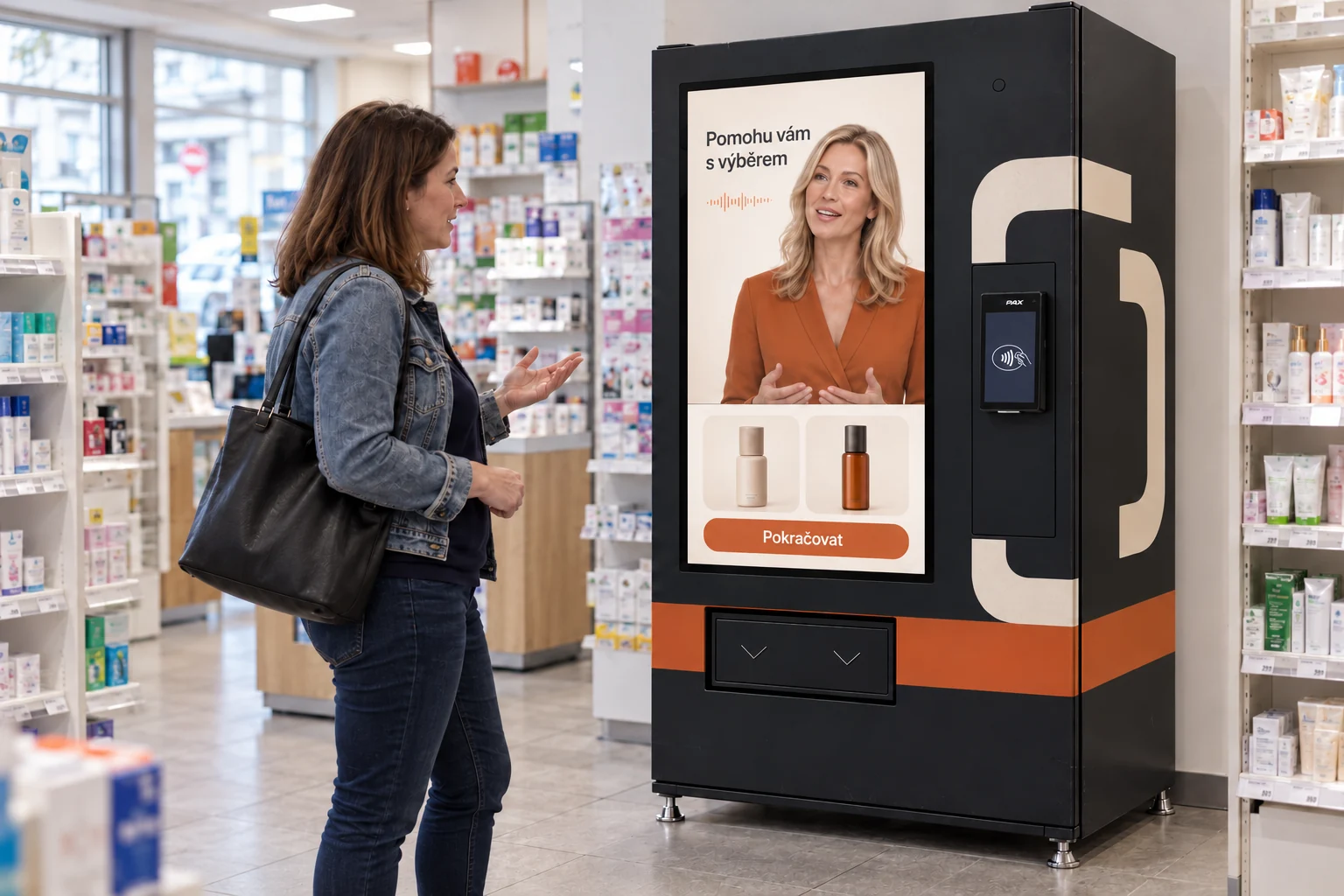
Guided choice, a shopping agent or your own avatar. Built around approved product information and available system data.
AI adviser / Concept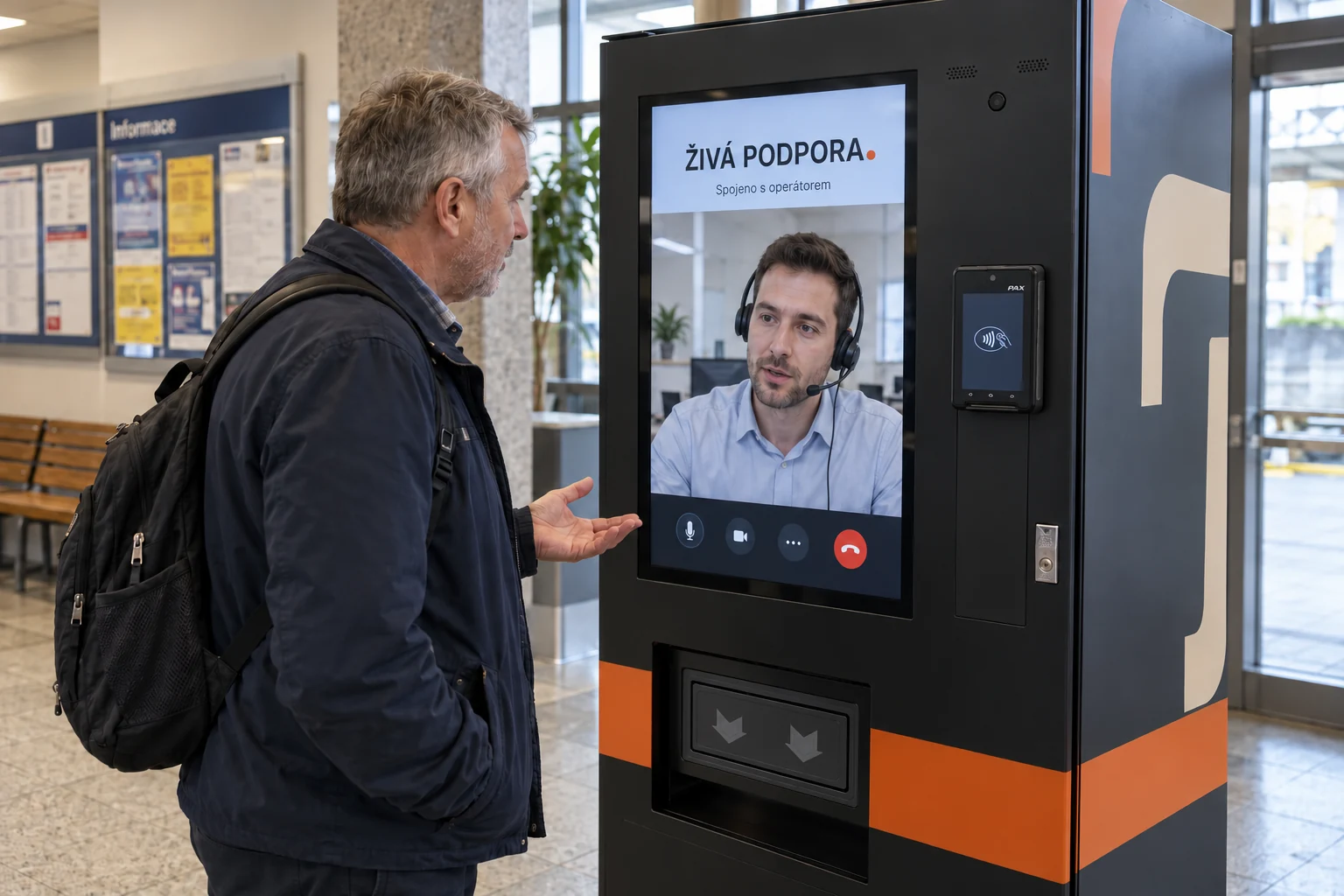
Connect customers to a remote human operator for questions and support, within the service hours you choose.
Live human support / ConceptA useful working day
Focus the operating view on the people who stock, maintain and manage your machines.
See sales and available stock signals. Build refill lists around actual machine data and the way your team works.
Bring supported temperature readings and machine alerts into view. Route an issue to the right person with an agreed escalation path.
Plan catalogue updates, offers and expiry rules. Assign permissions so a campaign change follows the right approval.
Use idle screen time for product stories or partner advertising. Schedule content by location and time; give shopping priority on touch.
Connect a campaign code, loyalty benefit or online order to a defined redemption. Validate eligibility before dispensing.
Keep sales, interaction events and content playback separate. Agree which data is available and which decisions the report should support.
Screen as a medium
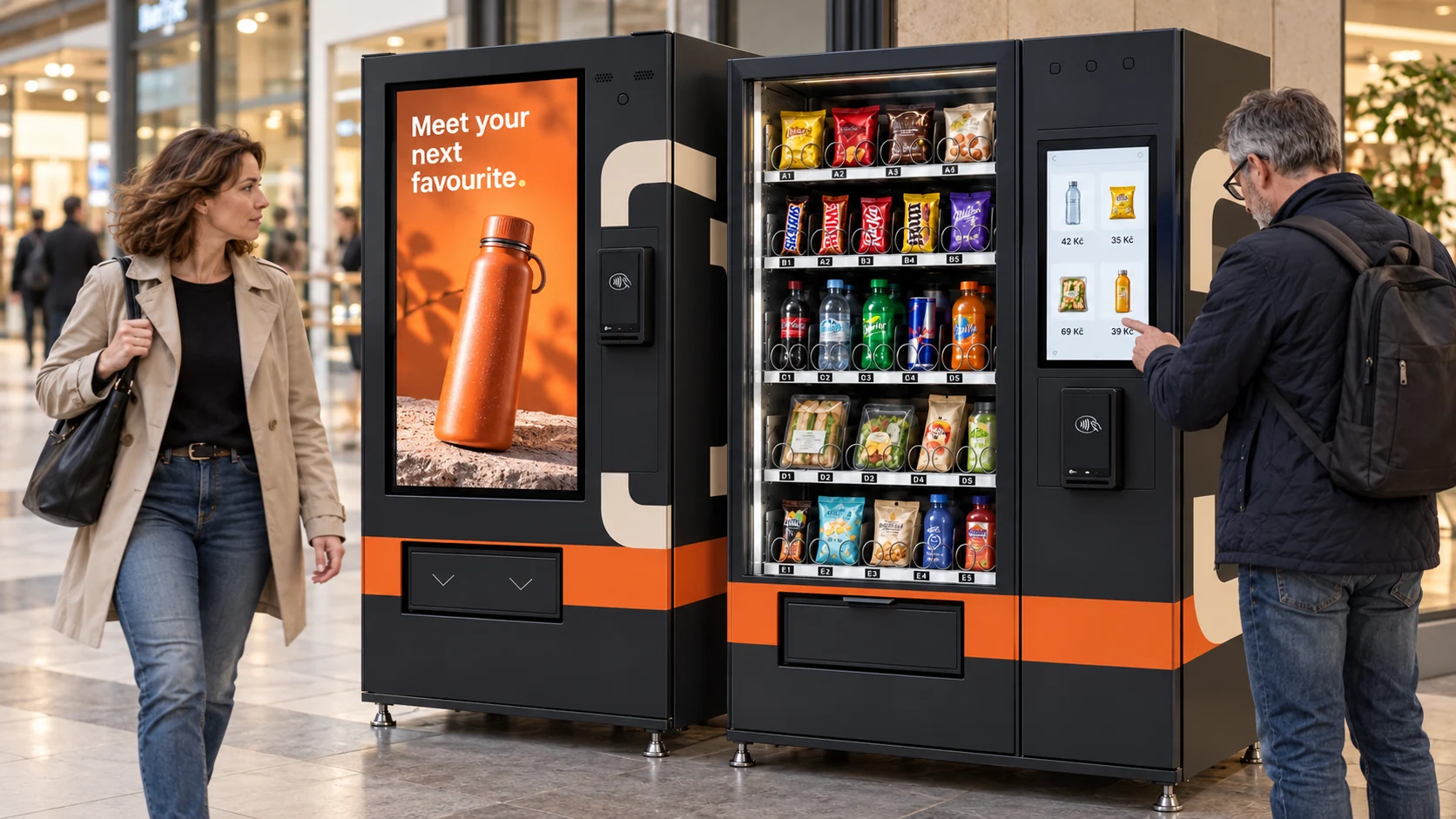
A screen can introduce a new range before someone shops, and help explain a choice once they do.
06 / Optional age assurance
Integrate document-based age verification or facial age estimation into the purchase flow. Complete the check at the machine or on the customer's phone.
The method, camera placement, privacy requirements and local rules are assessed for your product and location. Phone verification must be linked to the purchase at the machine.
Built for the place
Product fit, footfall, power and connectivity shape the setup from the start.
Snacks, drinks, practical accessories and a straightforward repeat purchase. Use roles and refill information to support the operation.
Extend a product range, add a collection point or offer helpful essentials. Match the finish and interface to the surrounding space.
Explain unfamiliar products with structured guidance. Add age assurance where the product and local rules require it.
Your next touchpoint