At the machine
The controller handles the physical vend. The on-machine application coordinates selection, payment state and the customer message through supported interfaces.
Software & Network
Bring the customer interface, machine operation and your business systems into a setup your team can actually use.
Build your machineExplore the network
Switch between the jobs a connected fleet can do.
See sales, available stock signals and alerts across locations. Send approved price and catalogue changes to the selected machines.
The architecture
Choose a compatible platform for the machine. Add the interface and integrations your project needs.
A visitor taps the machine. The right tool takes over. A verified result returns before a product is released.
The controller handles the physical vend. The on-machine application coordinates selection, payment state and the customer message through supported interfaces.
Catalogue, stock signals, alerts, permissions and content tools come from the selected software stack. We define the configuration and operating workflow.
Venduino shapes the visual interface and connects project modules: guidance, rewards, games, campaigns and the agreed brand experience.
Scope API connections to product data, ERP, ecommerce, loyalty, a content platform or reporting. Agree data ownership and update rules before integration.
Your operating toolkit
Pick the modules that answer a real operational need.
Location, machine state, alerts and available telemetry in a shared view.
Product information, prices and channel mapping with a clear publishing workflow.
Stock estimates and refill lists based on the inventory method supported by the machine.
Upload approved creative, define playlists and schedule by machine or group.
Separate content, operations and technical access. Keep relevant actions traceable.
Agree remote update access, connectivity monitoring and the response to an interrupted journey.
Software modules and data availability depend on the chosen platform and hardware. Custom integrations and new experience modules are scoped separately from standard platform capabilities.
When someone needs help
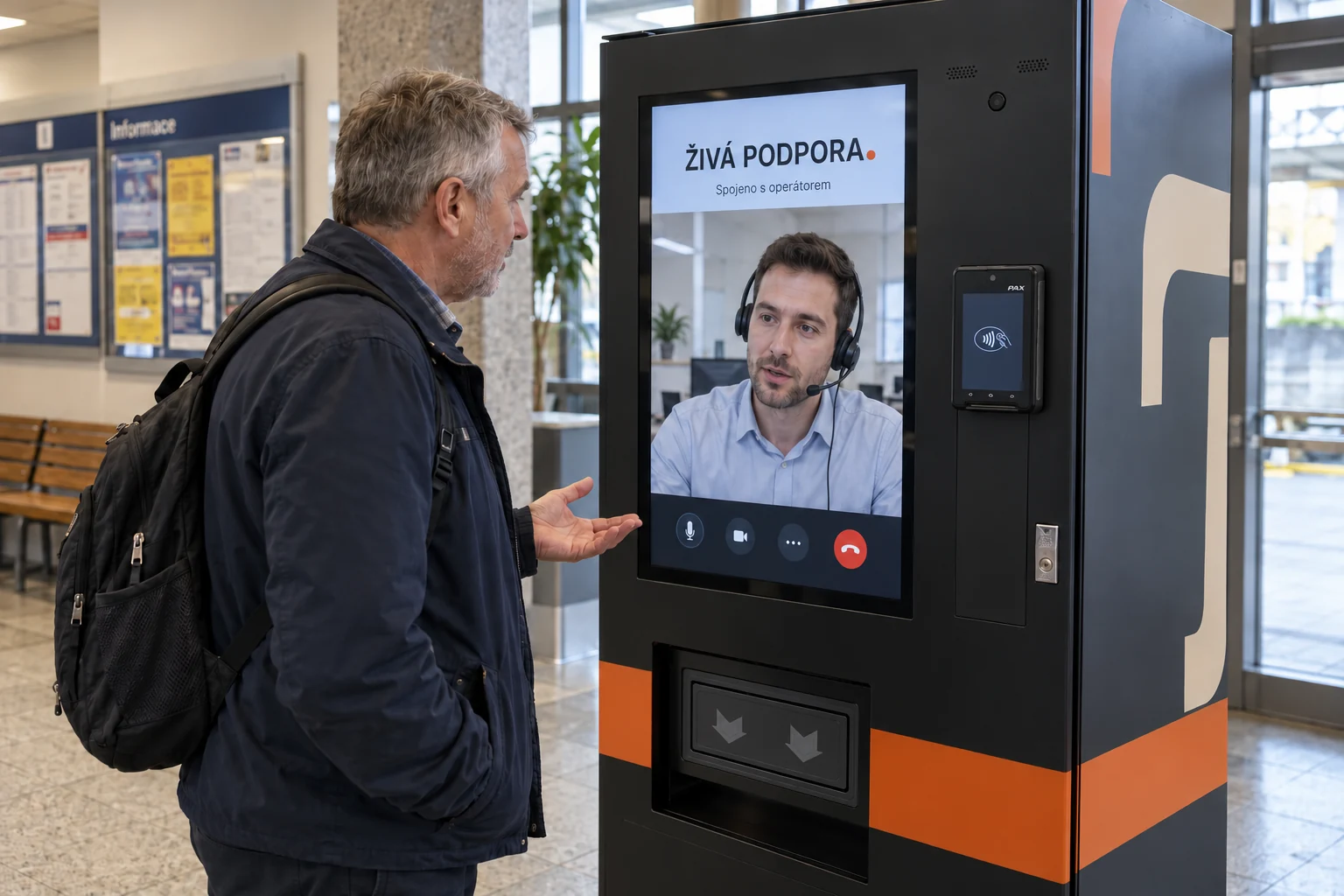
Two different jobs, with a clear handover.
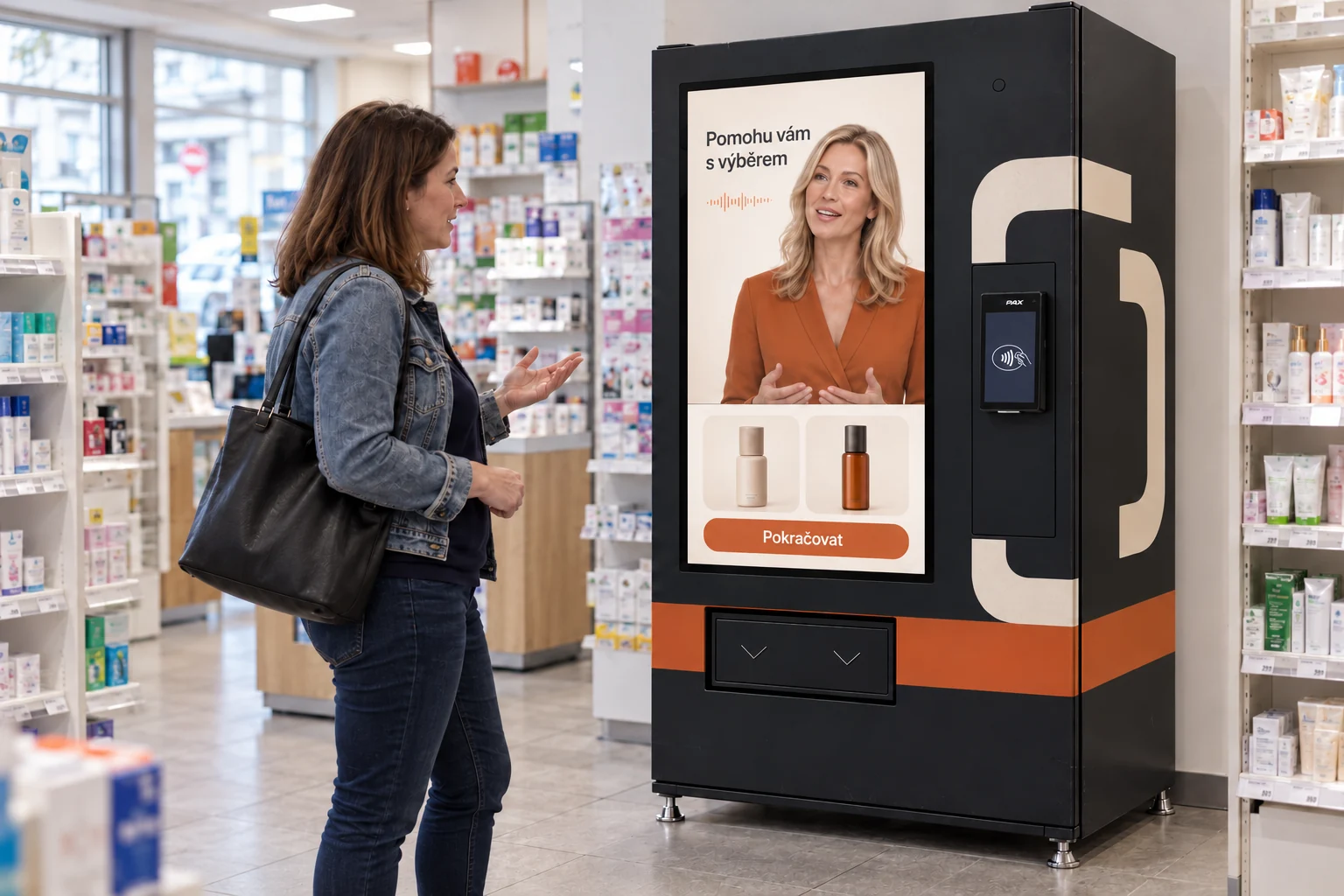
Use approved product facts and connected availability. Keep direct selection accessible. Payment and dispensing stay in a controlled confirmation flow.
Share the agreed machine and transaction context with an authorised operator. Define support hours, privacy and escalation before enabling calls.
Specify what happens when the network, payment or vend response is uncertain. Remote access and any physical action need an explicit authorised procedure.
From broadcast to participation
A common content layer can become a live campaign, a shared challenge or a moderated conversation.
Your next touchpoint